

Device preparation
Procurement coordination, configuration support, asset tagging and deployment planning.
Edge education programmes
Edge keeps the operational side controlled: device preparation, asset tagging, deployment, spare devices, accidental damage handling, repairs, replacements and programme reporting.
Programme design
The programme includes the practical support schools need after launch: enrolment, asset visibility, spare devices, accidental damage handling, repair flow, replacement administration and reporting, so learning carries on without office teams becoming the support desk.
Operations model
| Concern | Typical route | Edge route |
|---|---|---|
| Device issue | Teacher, parent and IT team work out what happens next. | A defined repair and replacement route is already built into the programme. |
| Lost learning time | The pupil waits while the device is assessed or repaired. | A spare device pool supports continuity. |
| Admin pressure | School teams track incidents manually. | Edge supports reporting, repair flow and lifecycle visibility. |
| Renewal planning | Refresh planning is left until devices are ageing. | Lifecycle planning is part of the programme from the beginning. |
Included support
Procurement coordination, configuration support, asset tagging and deployment planning.

A typical 10% spare pool helps pupils keep learning while a device is repaired or replaced.
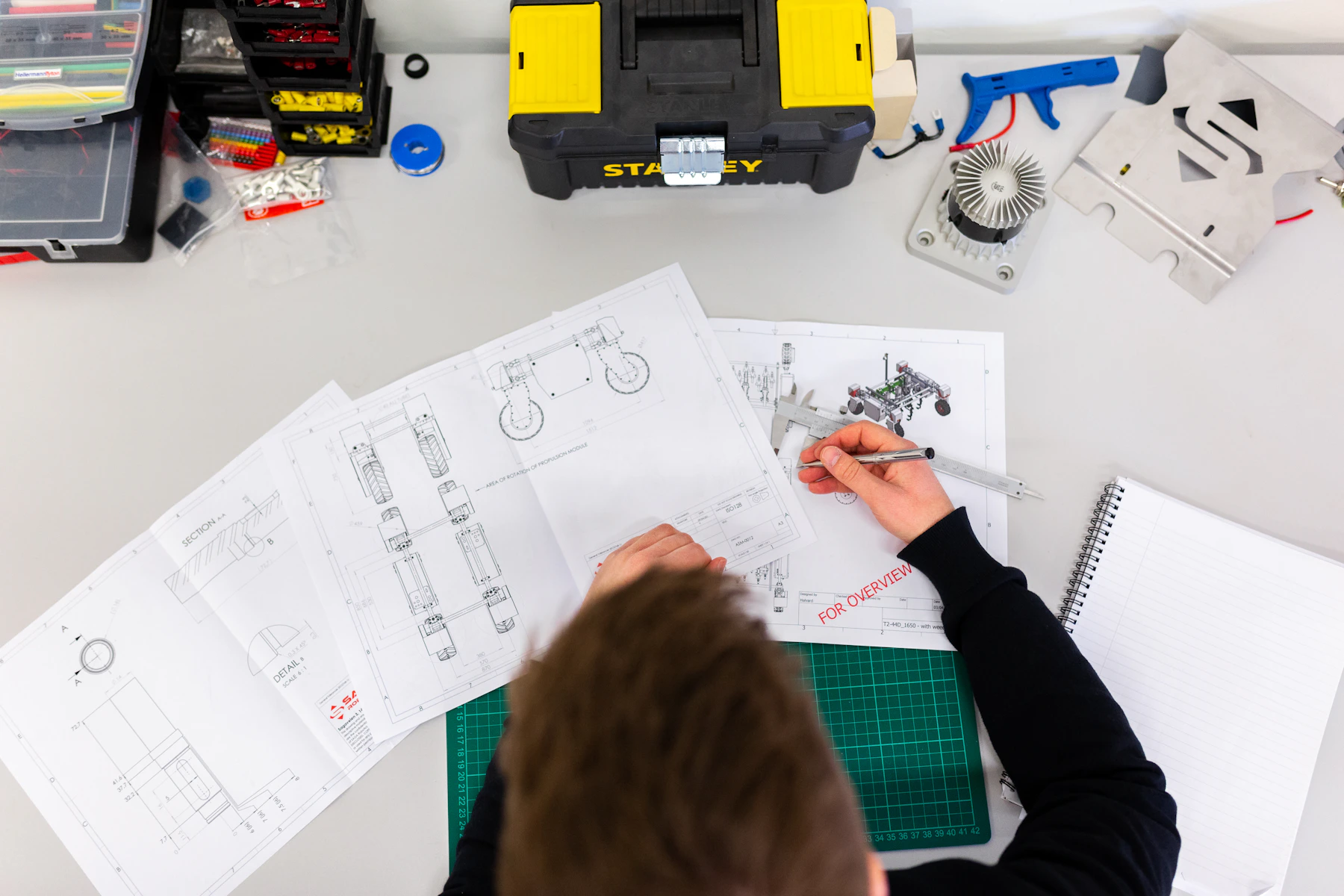
Edge handles repair and replacement administration, reducing interruptions for schools and families.

Schools receive visibility of devices, support activity and programme status.
No insurance burden
Edge structures the programme to reduce insurance administration and make the support route clear for schools and parents.

Ready to model your programme?
Use this site to understand the programme, then move into the quotation portal to view eligible 1:1 devices, model numbers and prepare the proposal route for your school.